On This Page ⌄
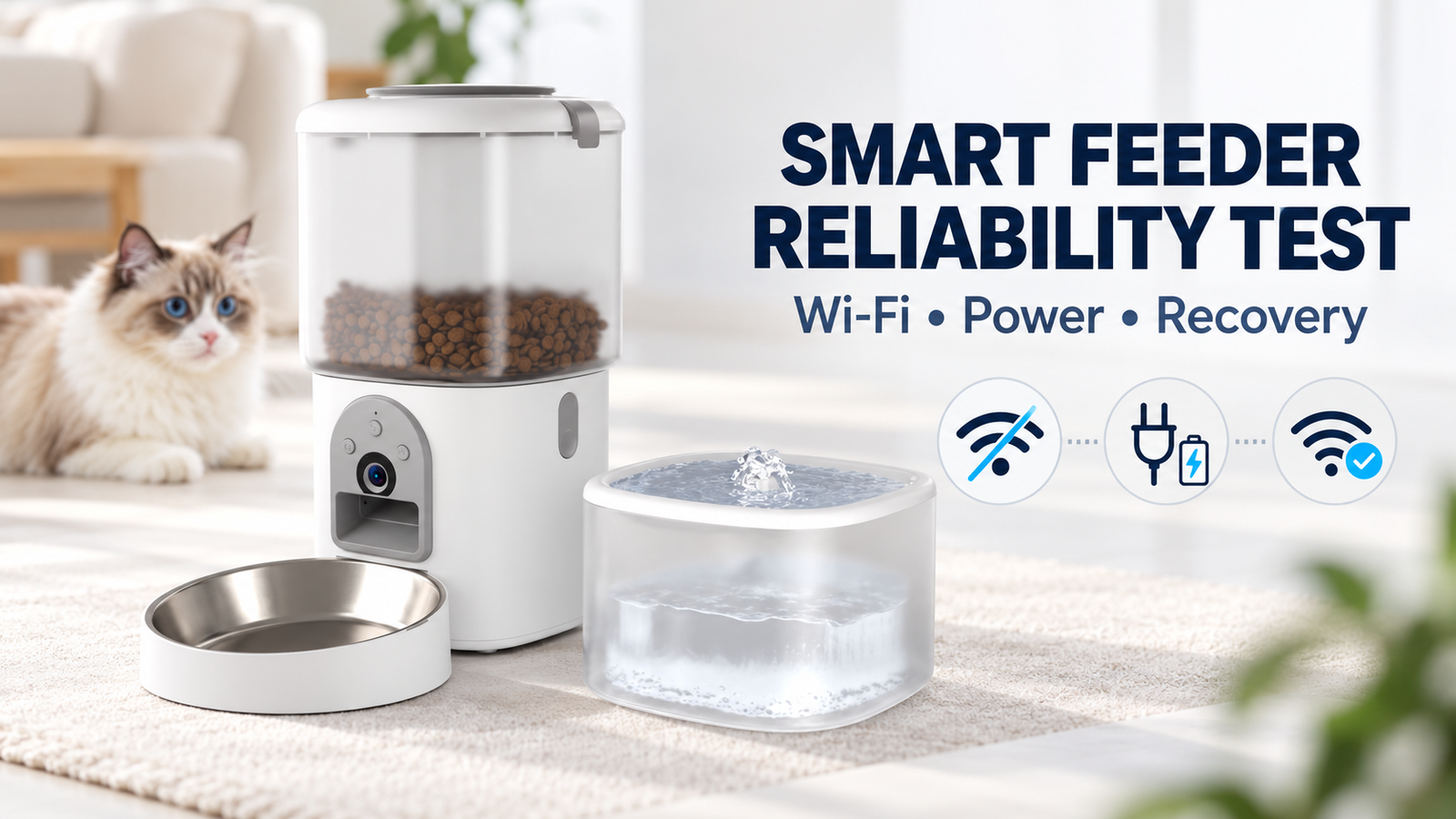
A camera feed and a working app are a good starting point when reviewing a smart pet feeder. But they do not tell you what happens when a router stops working or someone accidentally unplugs the power cable.
Before approving a sample, test the situations a customer may actually face at home. Start with three checks: feeding without Wi-Fi, operation on backup power, and recovery after the connection returns.Smart pet feeder testing should cover everyday problems, not just a working camera and app.
1. Disconnect Wi-Fi Before a Scheduled Meal
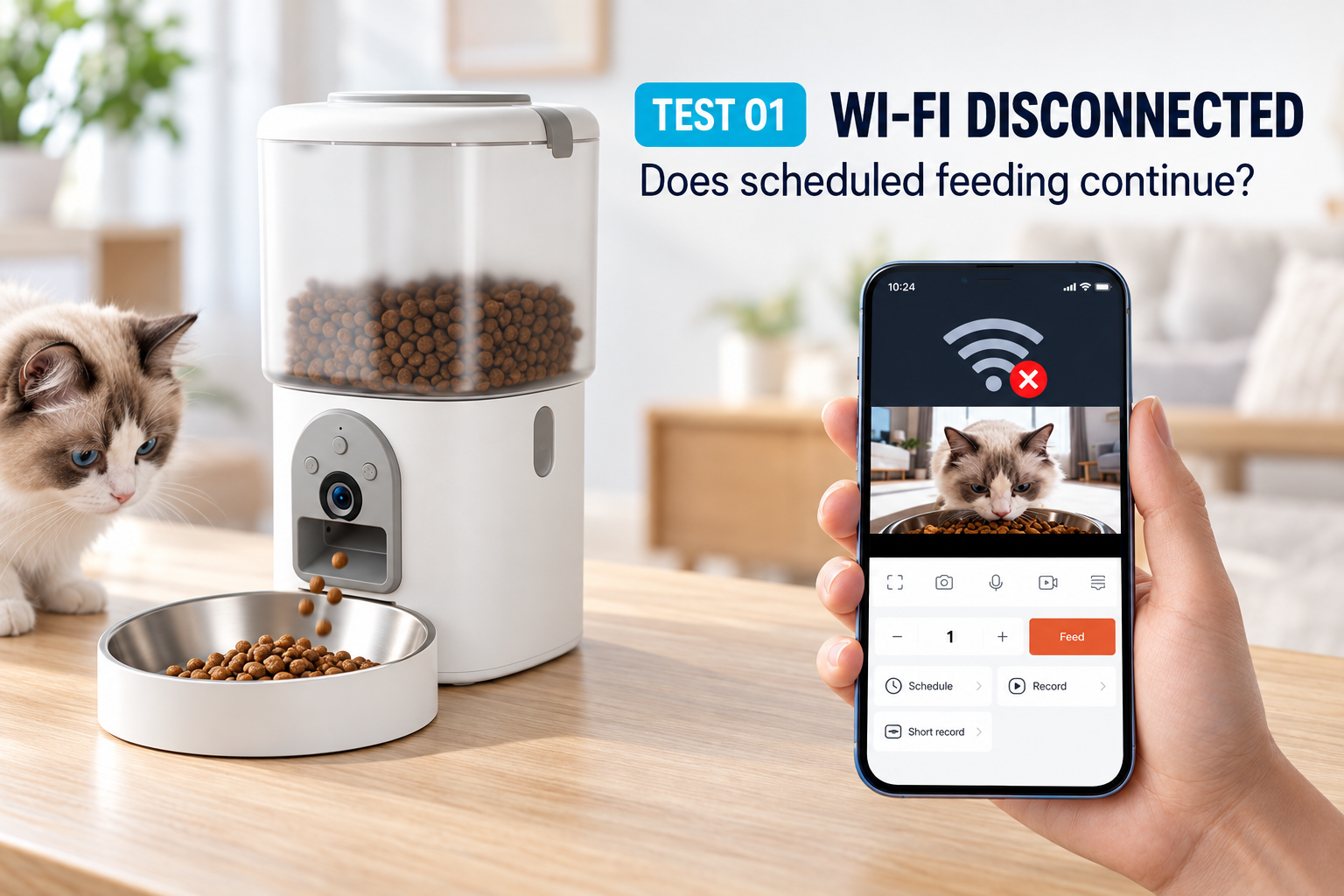
Set a feeding time while the device is connected. Then disconnect the router before that time arrives, leaving the feeder’s power supply on. Observe whether food is dispensed at the scheduled time without opening the app or pressing a manual feeding button.
Keep scheduled feeding, remote control and camera access separate in your notes. A feeder may retain a local schedule even when app commands and live video are unavailable. Confirm what the particular model does instead of assuming that all connected functions behave the same way.
2. Unplug the Power Cable With Backup Batteries Installed
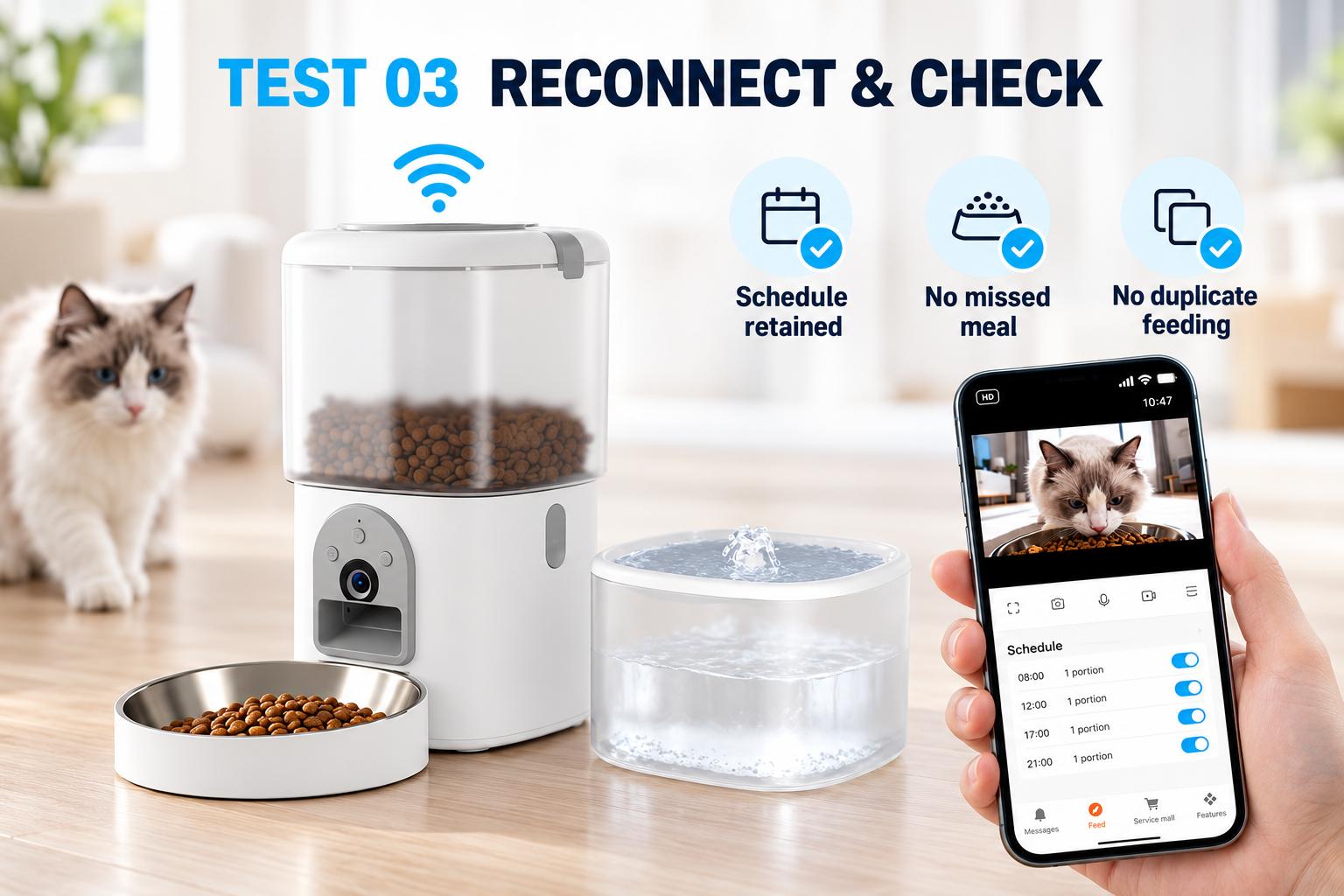
If the model supports backup batteries, install the specified battery type according to its instructions. Set a feeding schedule, unplug the external power supply and check whether the feeder switches to battery operation without manual intervention.
Check each function separately. Does scheduled feeding continue? Does the manual feeding button work? Are the camera, Wi-Fi connection and notifications still available? Battery operation may support fewer functions than external power, so the difference should be clear in the product instructions.
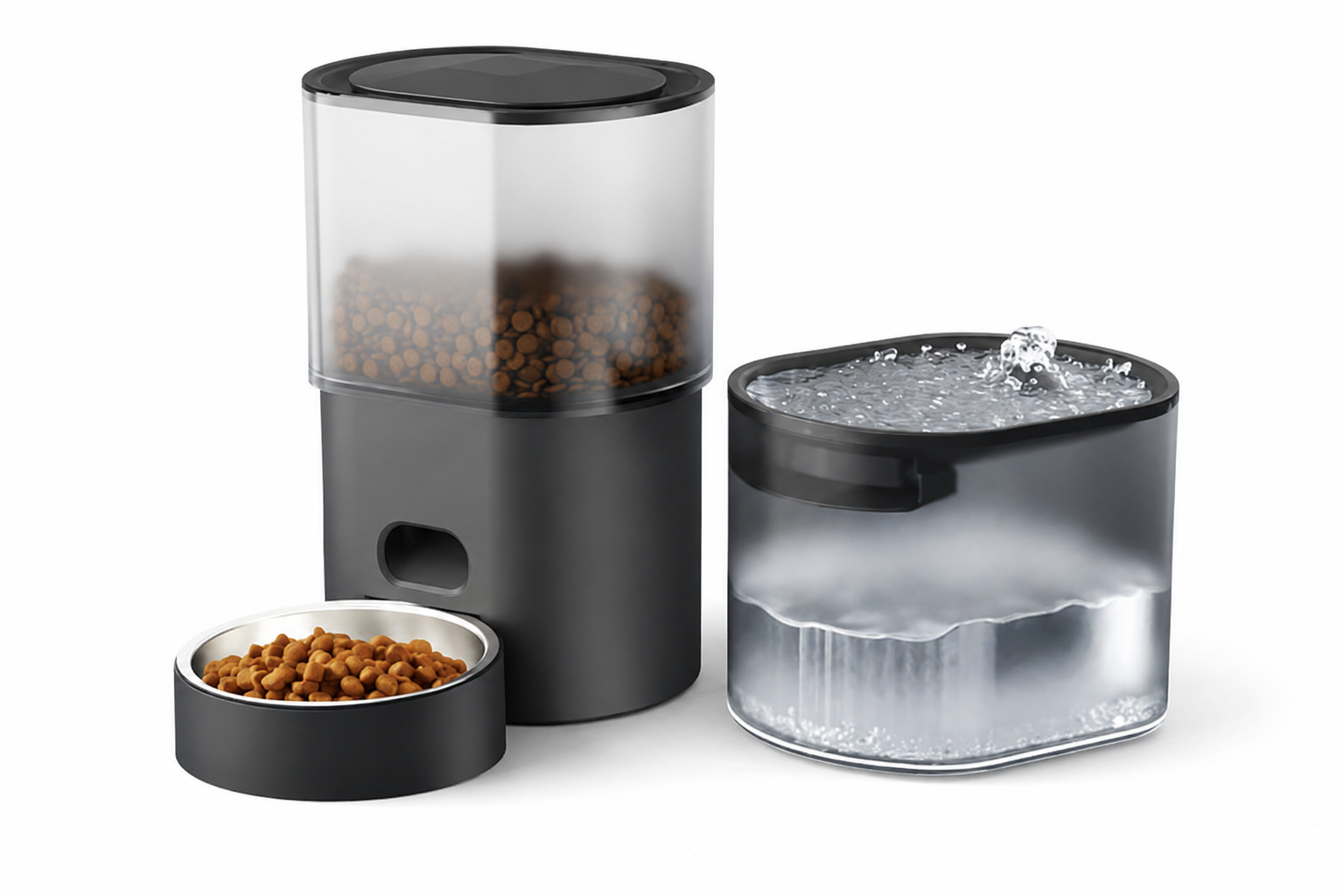
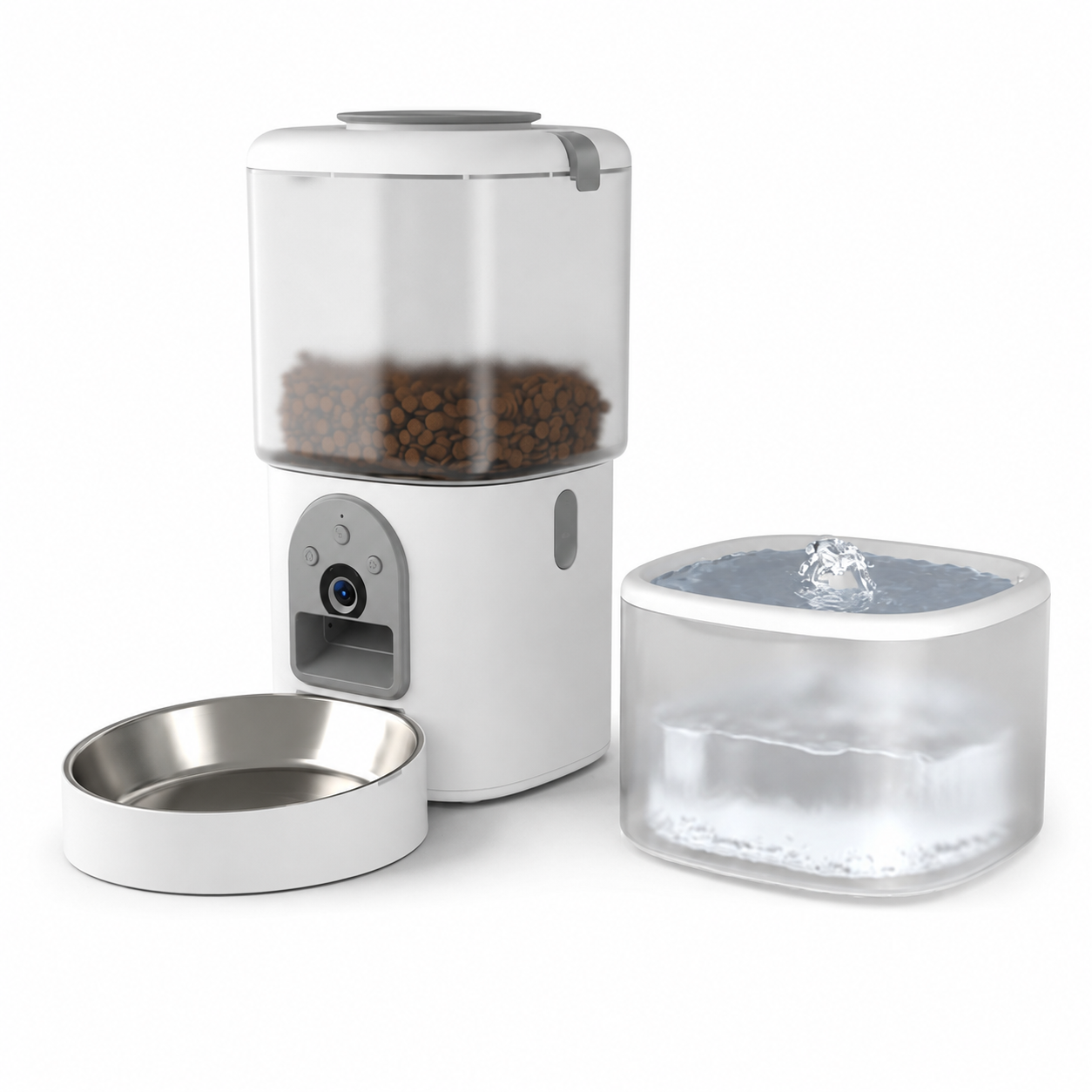
For a feeder and water fountain sold together, test the two units separately. Do not assume that a backup power option for the feeder also keeps the fountain running.
3. Reconnect Power and Wi-Fi
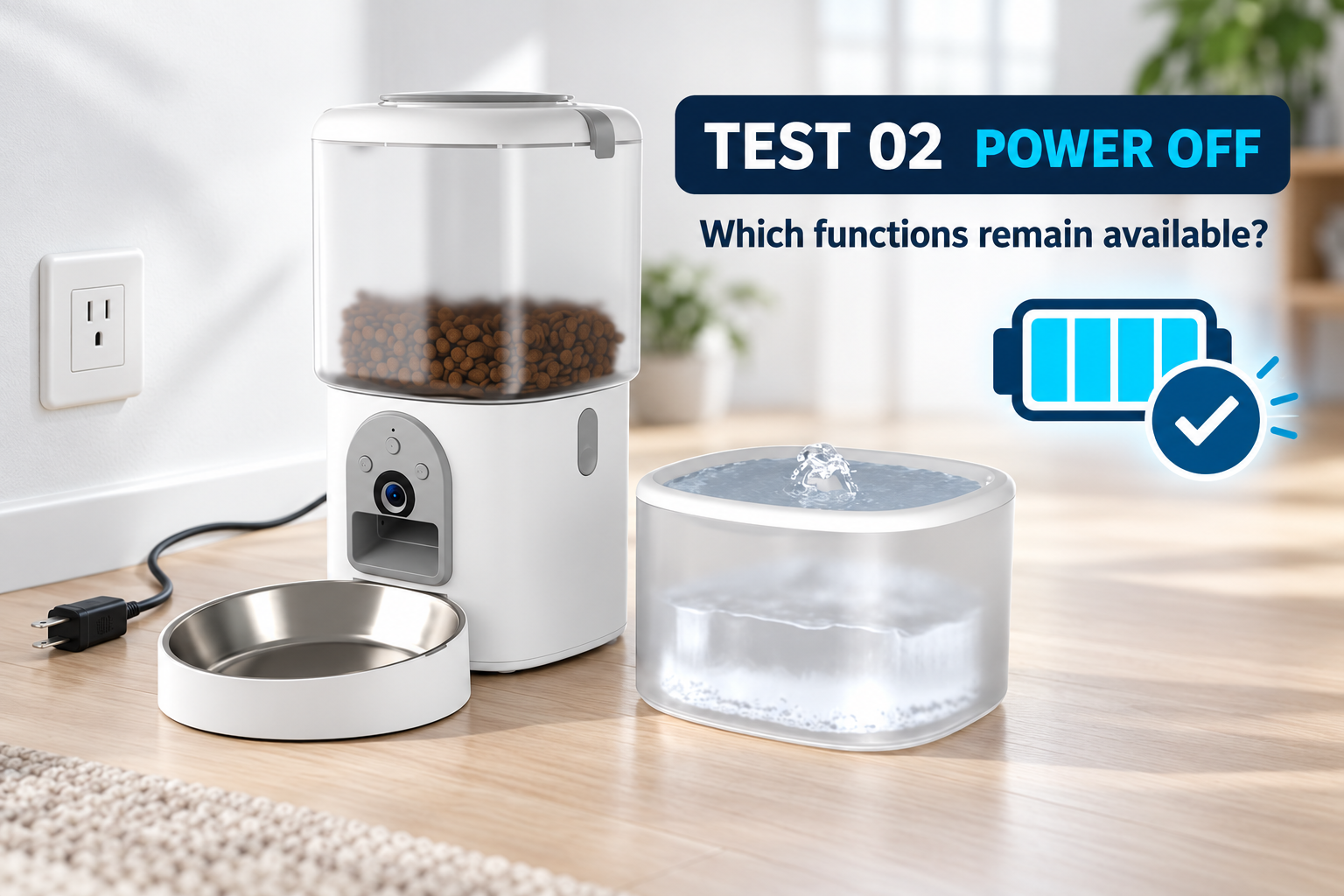
Restore external power and reconnect the router. Check whether the feeder reconnects automatically or needs to be paired again. Then verify the device time, time zone and saved feeding schedule.
Pay particular attention to interruptions close to a scheduled meal. If power returns just after the feeding time, does the device skip that meal, dispense it late or repeat a meal already delivered? Observe the actual food output and compare it with the app’s records.
4. Check Portion Consistency With Your Intended Food
Use dry food within the supplier’s stated size and shape limits. Collect and weigh several repeated portions at the same setting. Note the variation instead of judging portion accuracy from a single dispense.
Repeat the check with different food levels in the hopper. Watch for blocked outlets, incomplete portions and unusual motor noise. If customers in your market use different kibble shapes, include representative examples in the sample review.
5. Review the App and Everyday Cleaning
Check pairing, schedule editing, manual feeding and camera access on the phones your customers are likely to use. If the product supports shared access, test how another user is added and which controls they receive.
Remove the bowl and any food-contact parts identified as removable in the instructions. Check whether food collects in corners and whether the parts are easy to reassemble. Confirm which components can be washed and which must stay dry, especially around motors and electronics.
6. Keep a Clear Sample Approval Record
Before approving the sample, record the model, firmware version, app version, power adapter, battery specification and test results. Keep short videos of the interruption and recovery checks, along with any issues that need correction.
If the supplier changes the firmware, motor, power components or app before production, review whether the affected tests need to be repeated. The approved sample should remain a useful reference for the bulk order.
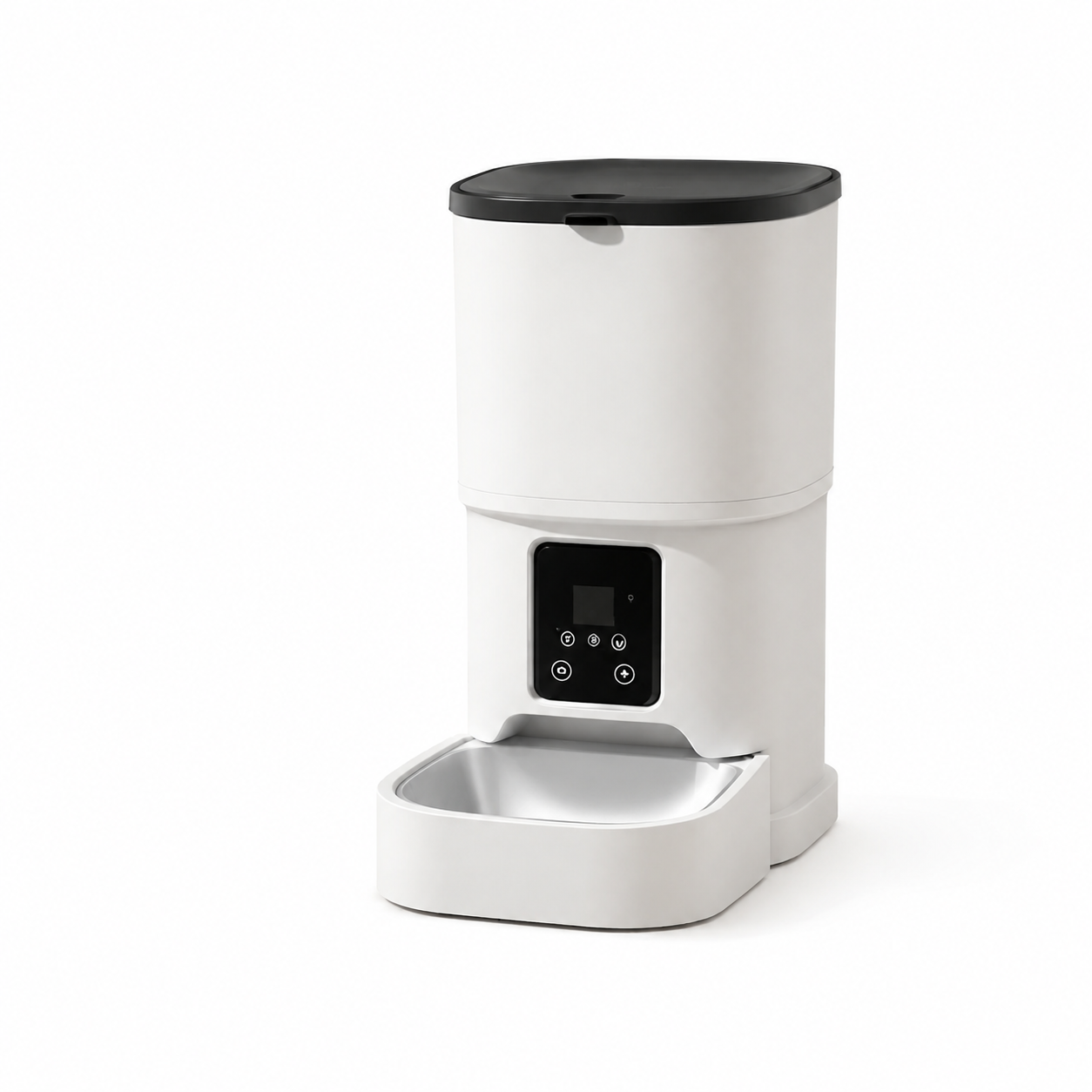
For the PC-F8 Series, include the external power and dry-battery options in your review. Confirm the functions available in each operating mode with the supplier and your own sample tests before adding performance claims to packaging or sales materials.
Discuss Your Testing and Sourcing Requirements
Looking for a smart pet feeder for your brand or distribution business? Contact Zhanzheng Pets with your target market, expected order quantity and required features. We can discuss sourcing, OEM/ODM options and the checks you want included before sample approval.